Your Chrome has been updated
Get Chrome for your phone
Filters:
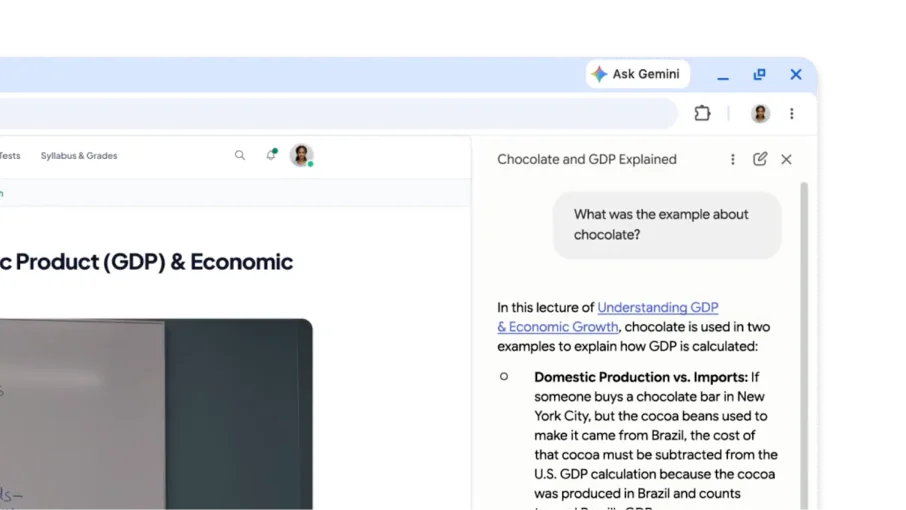
You can ask questions about what you heard in video and audio, and Gemini in Chrome can answer them. Try asking for details or summaries to better understand the content you've listened to.
To turn off this feature, go to Chrome’s settings > AI in Chrome > Gemini in Chrome. Then, turn off the “Media understanding” setting.
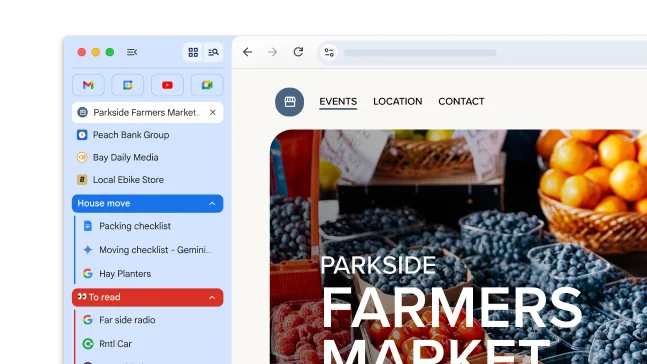
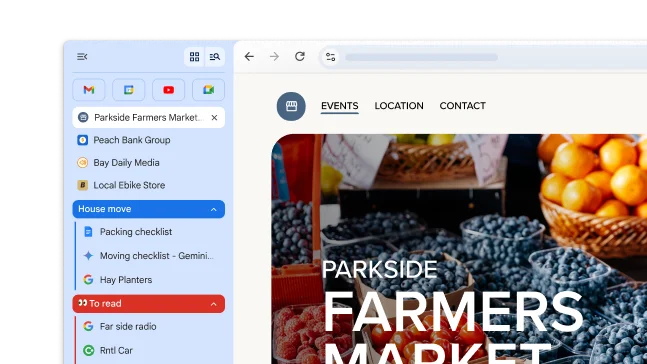
Vertical tabs moves your tabs to the side of your window, allowing you to see entire tab titles, easily manage tab groups, and free up vertical space. It’s the perfect setup if you typically have a lot of tabs open at once.
To move your tabs, right-click your tab strip and select Show tabs vertically.
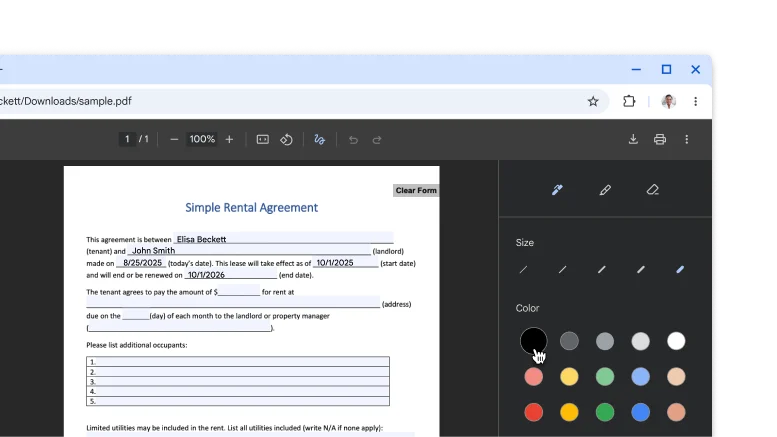
Skip downloading and printing when it’s time to sign a PDF. Use the annotation tool to hand-draw your personal signature, complete forms, and highlight lines.
Tip: To make it easier to draw on a small line, Zoom the PDF.
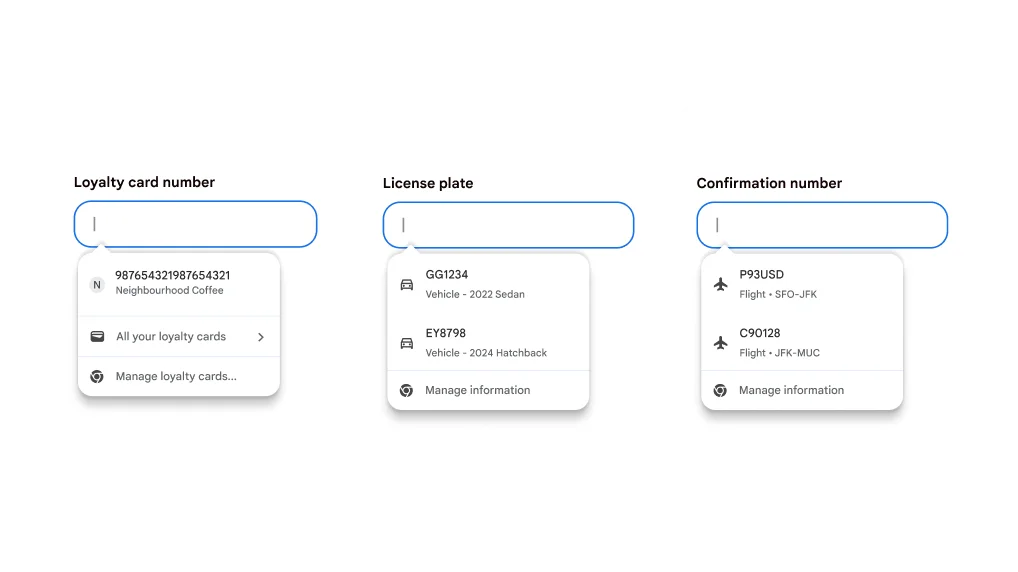
Stop digging for details! Chrome now integrates with Google Wallet to quickly and securely autofill more types of information.
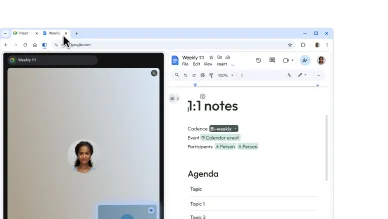
Split view puts two pages side-by-side in the same tab. This makes it easier to compare options, watch a video while taking notes, and more.
To open a split view, drag another tab to the left or right edge of your browser window. Or, right-click a link and select Open Link in Split View.